
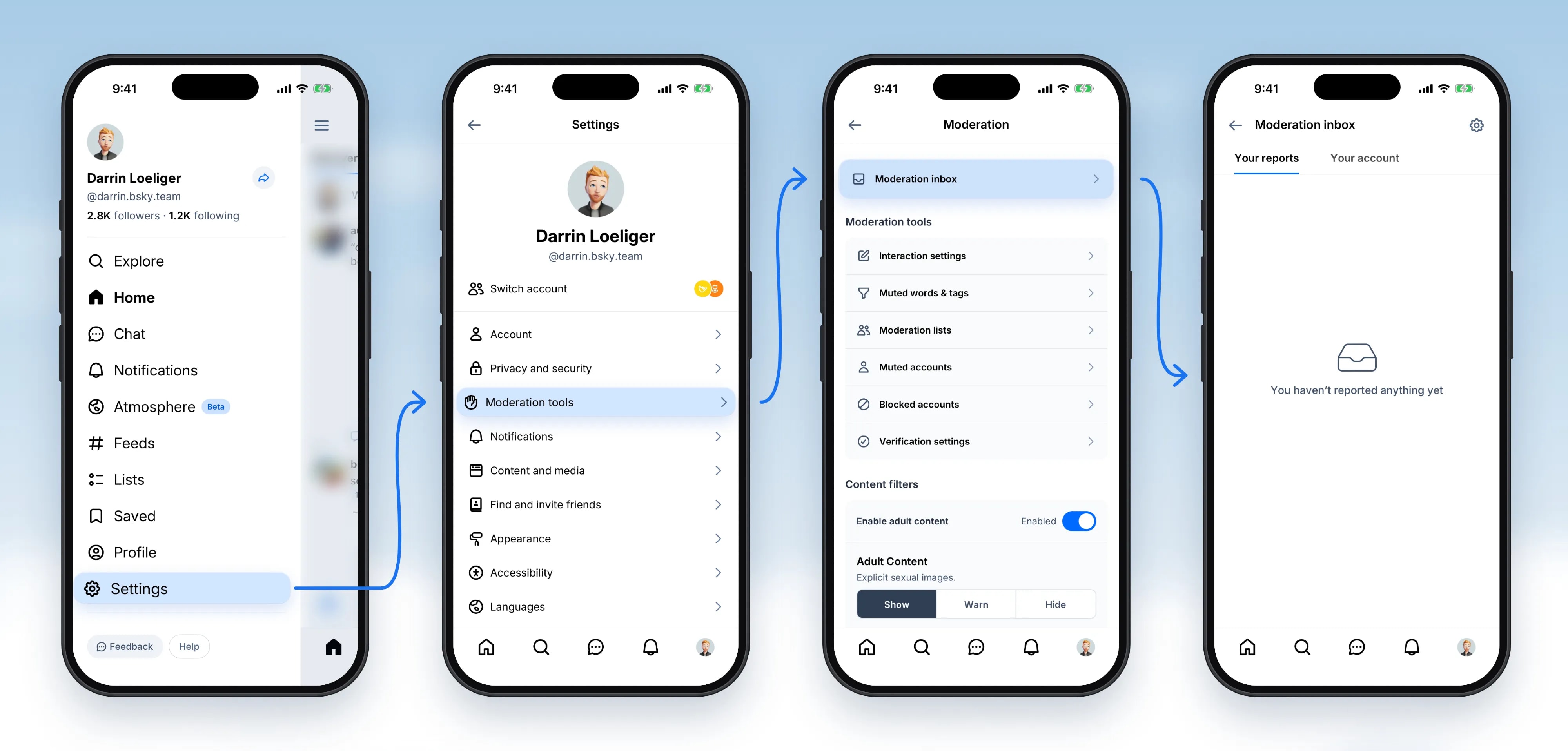
@anjali.n.popovNew in beta: the moderation inbox. Now you can see the reports you've made, and find out what happened to the content you reported, right in the Bluesky app. Notices about your account and appeals live there too.
View original post@anjali.n.popovNew in beta: the moderation inbox. Now you can see the reports you've made, and find out what happened to the content you reported, right in the Bluesky app. Notices about your account and appeals live there too.
View original postPhoto by @anjali.n.popov· Oct 31, 2026· Bluesky
The image displays a series of screenshots of a social media app interface on a smartphone. The focus is on the app's settings and moderation features. The mood is clean and functional, typical of a UI/UX design showcase. A notable detail is the avatar of "Darrin Loeliger" which appears in multiple screens. The on-screen text includes "Settings", "Moderation", "Moderation inbox", "Your reports", "Your account", "Interaction settings", "Muted words & tags", "Moderation lists", "Muted accounts", "Blocked accounts", "Verification settings", "Enable adult content", "Adult Content", "Explicit sexual images.", "Show", "Warn", "Hide", and the username "@darrin.bsky.team".
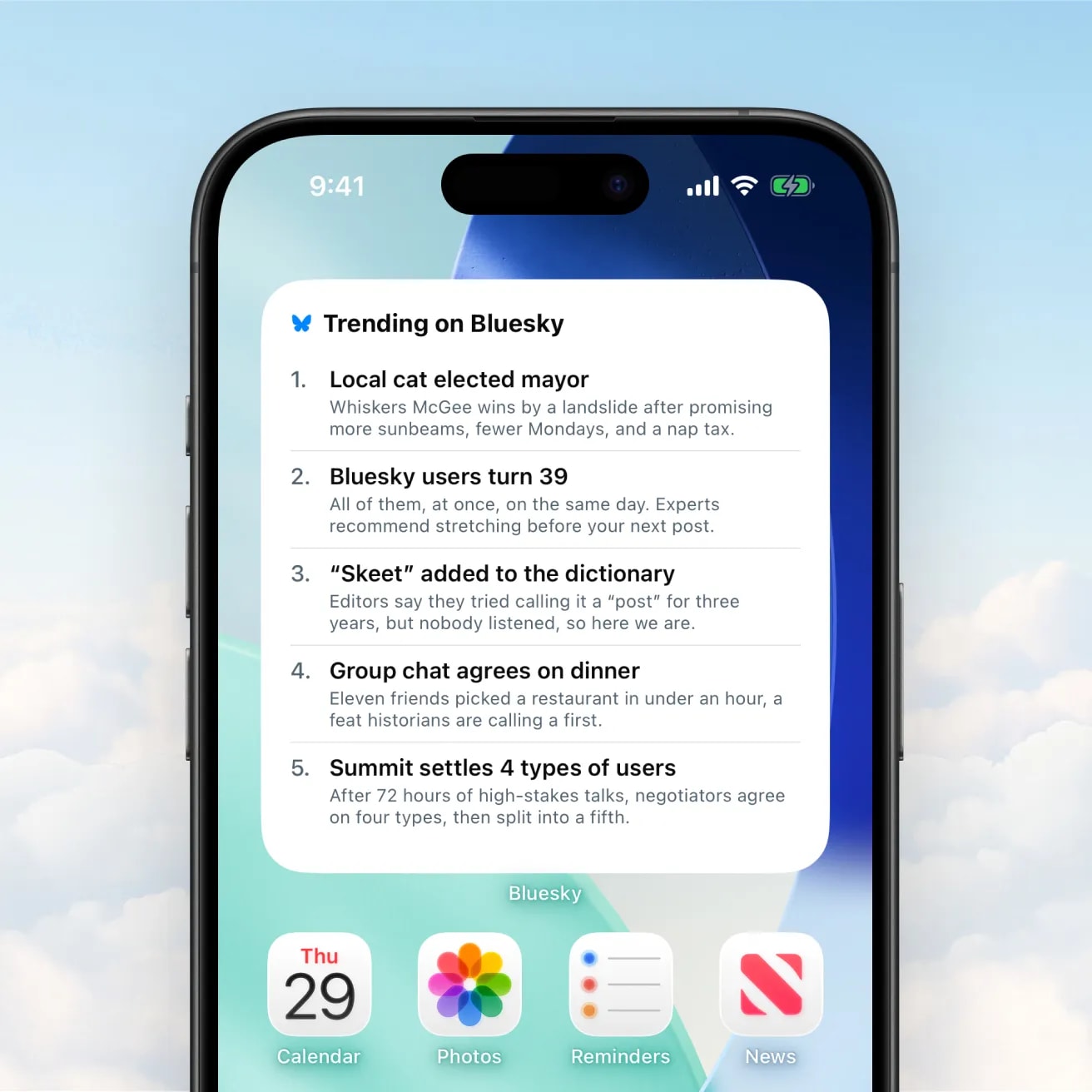 Bluesky v1.137 trending widget
 four bluesky user types
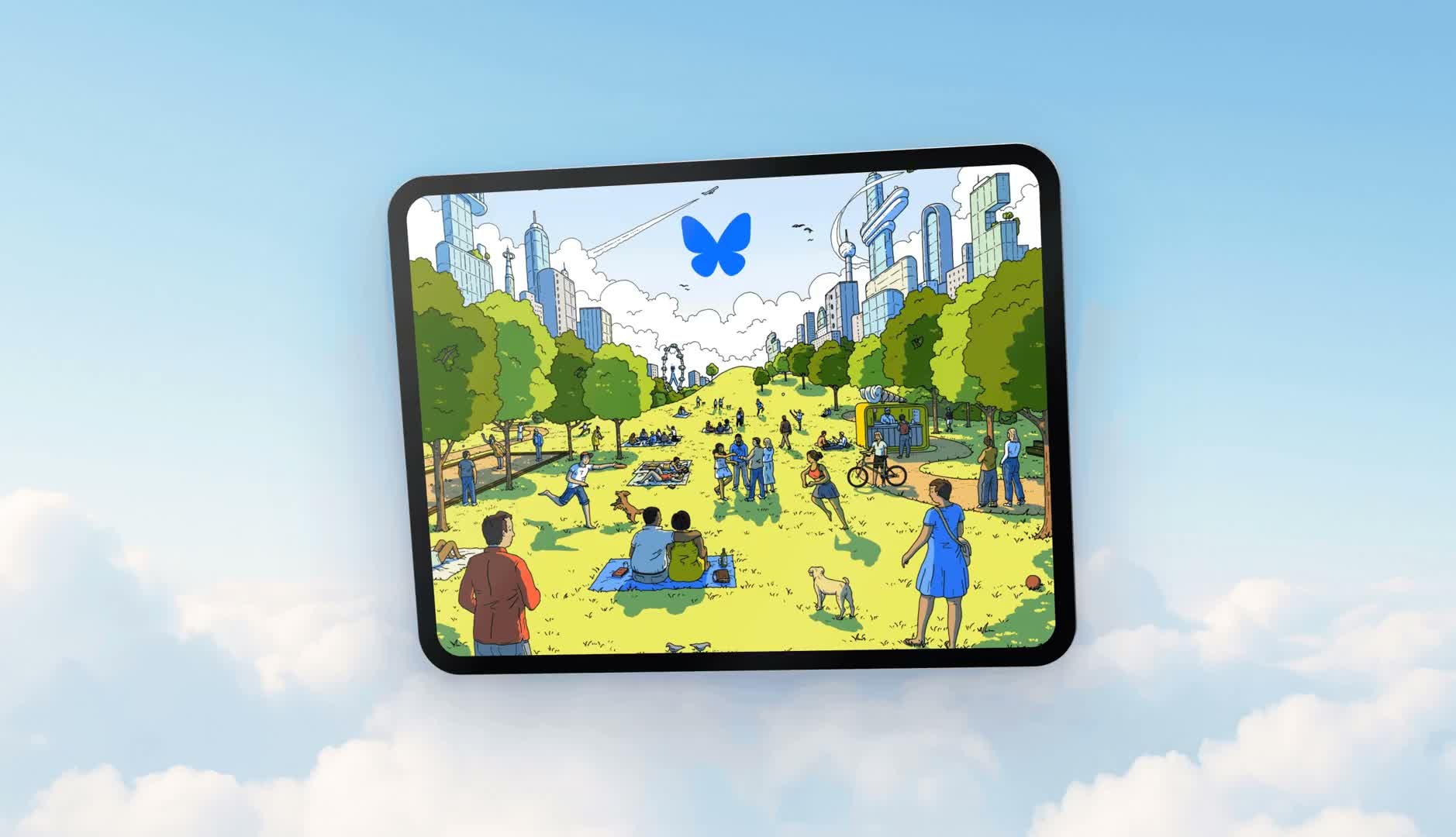 Bluesky iPad support beta v1.136
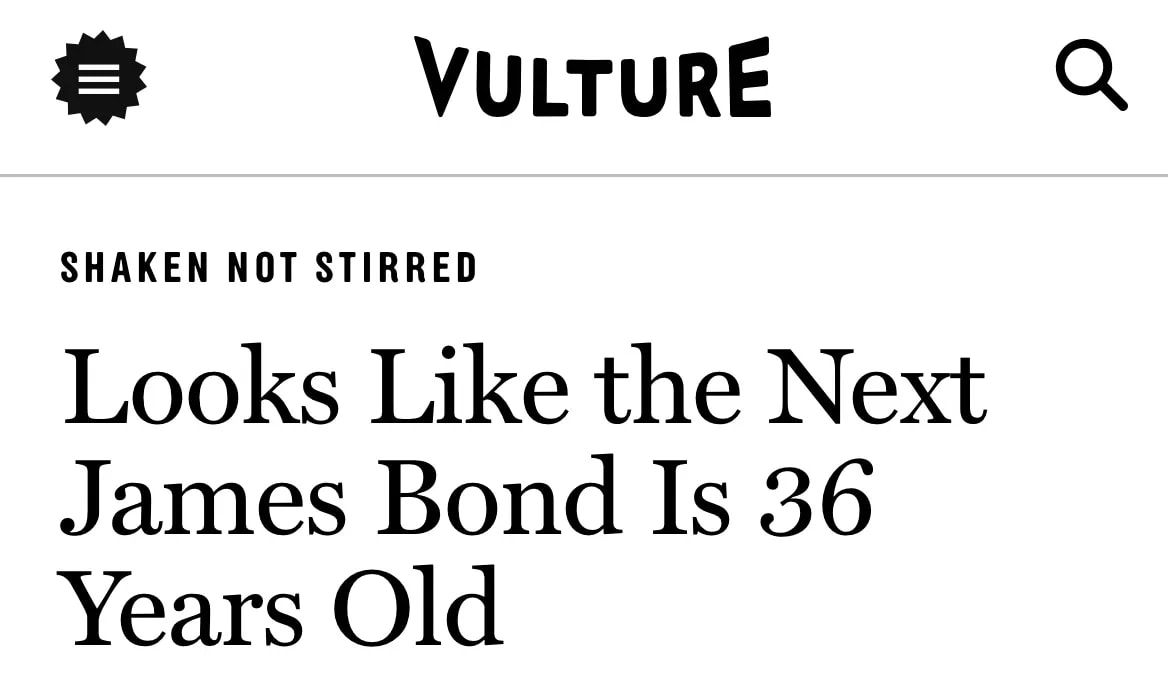 Next James Bond Bluesky account
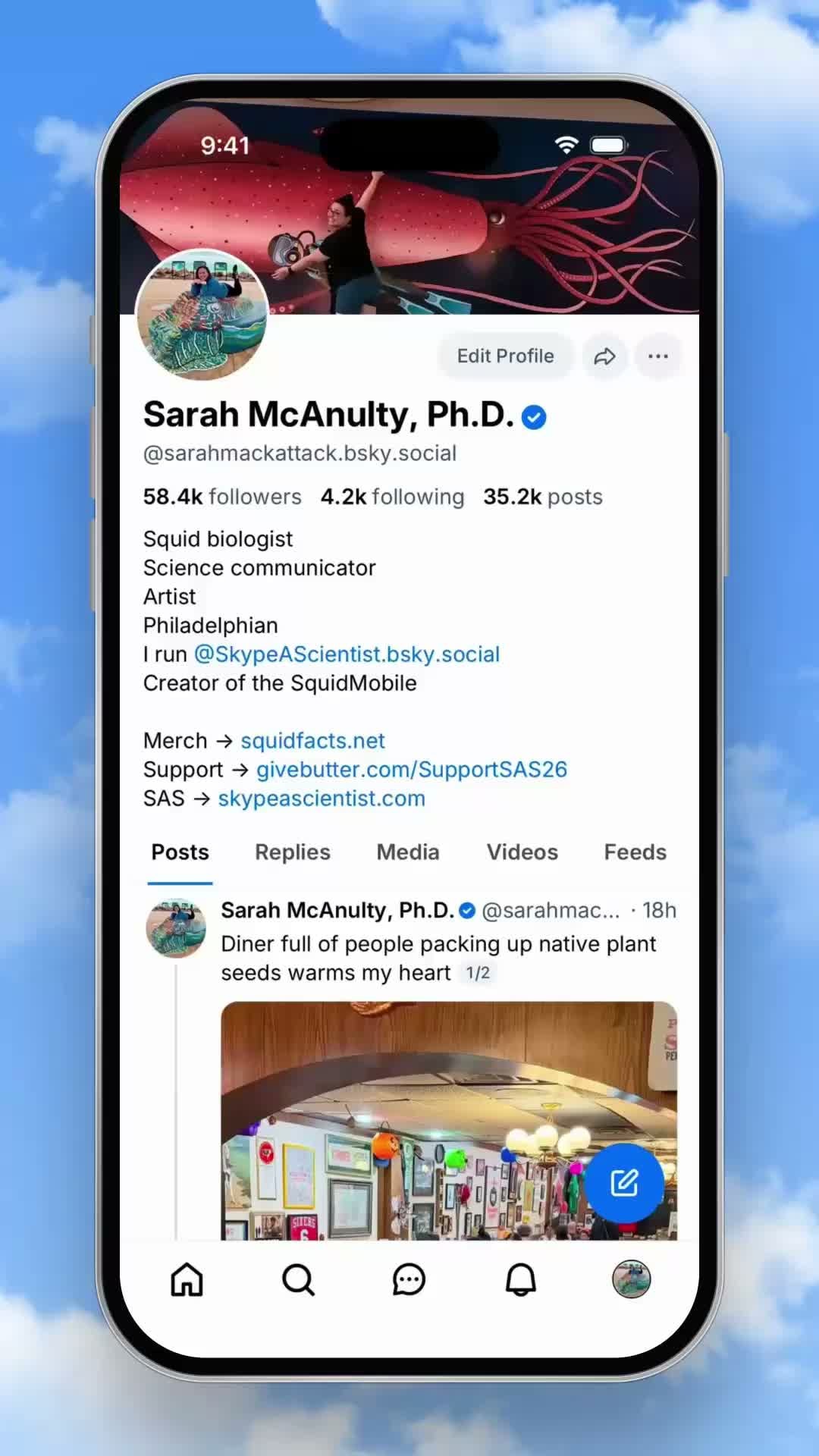 Bluesky v1.136 Profile links
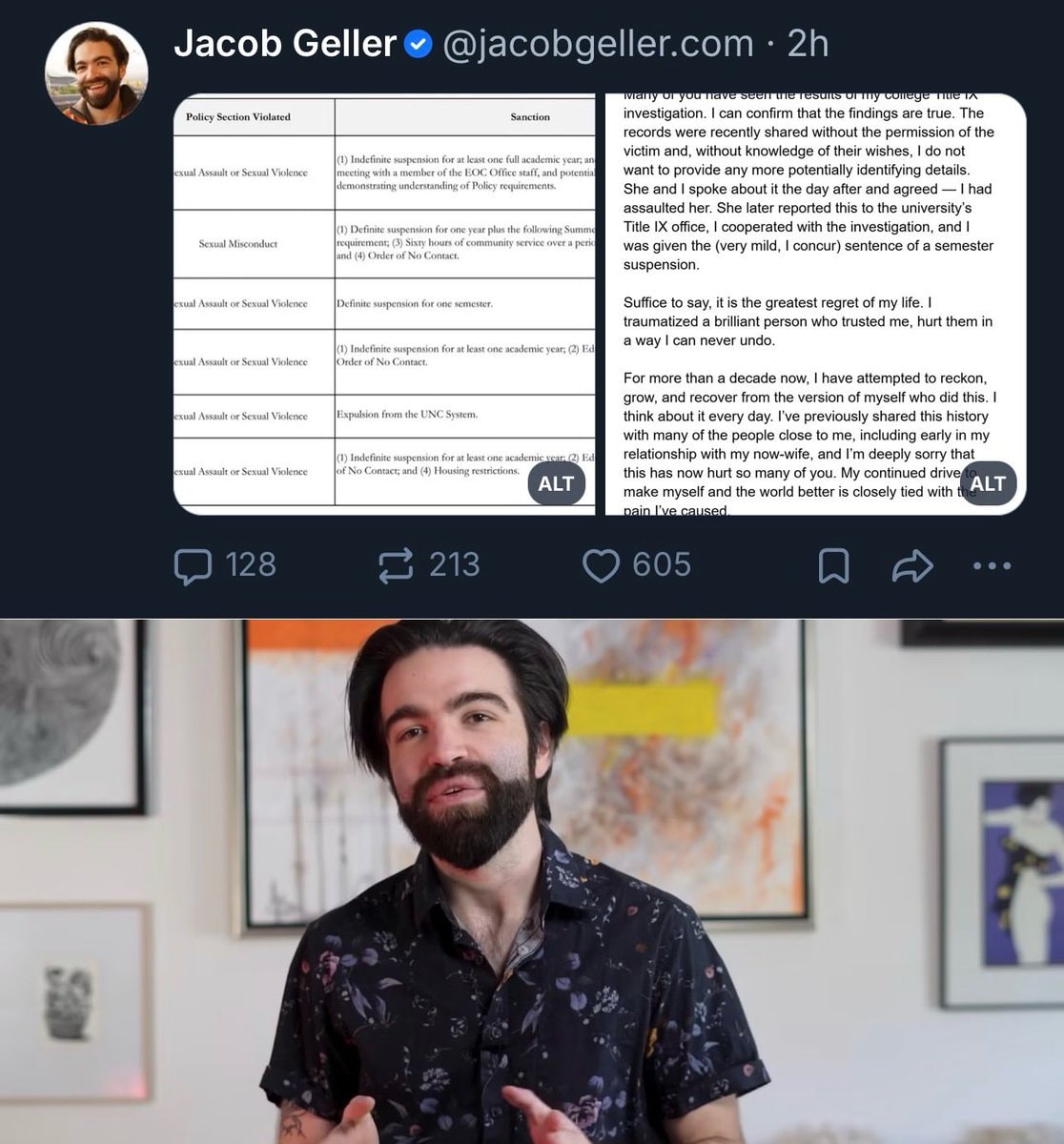 2Jacob Geller statement on Bluesky
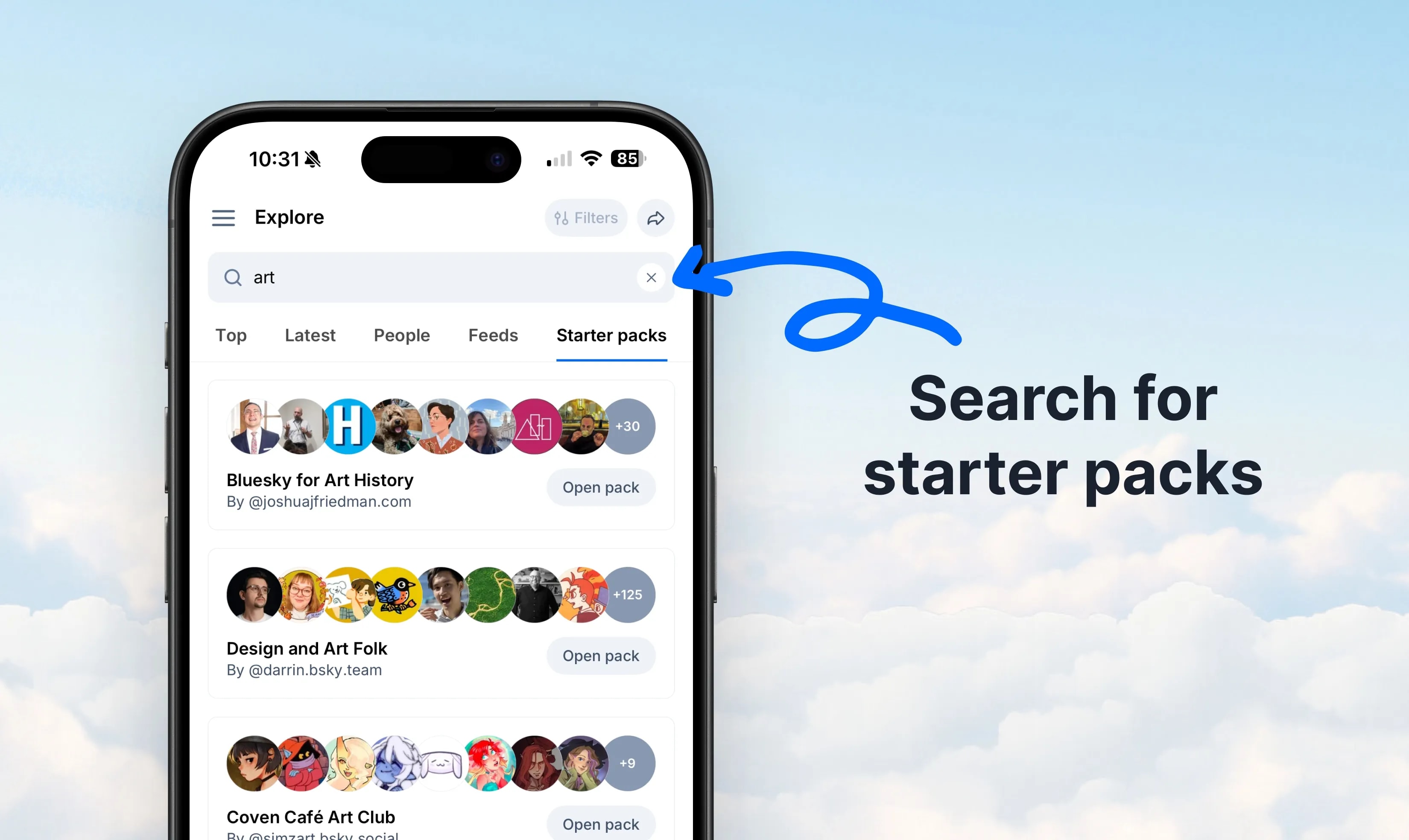 Starter Packs search in v1.132
 Buttondown Bluesky link cards
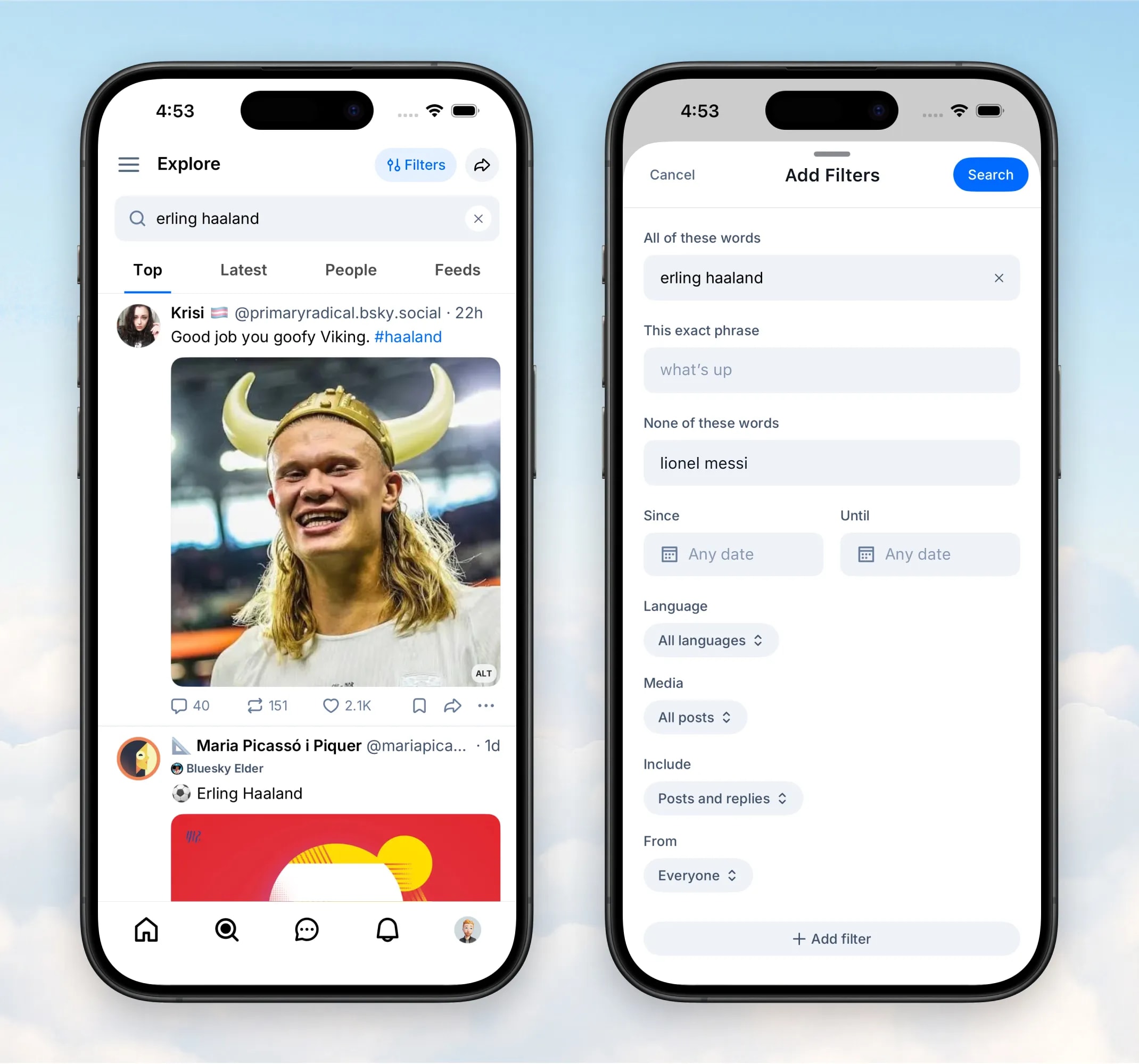 Bluesky v1.127 search filters update
 Summer of Standard.site
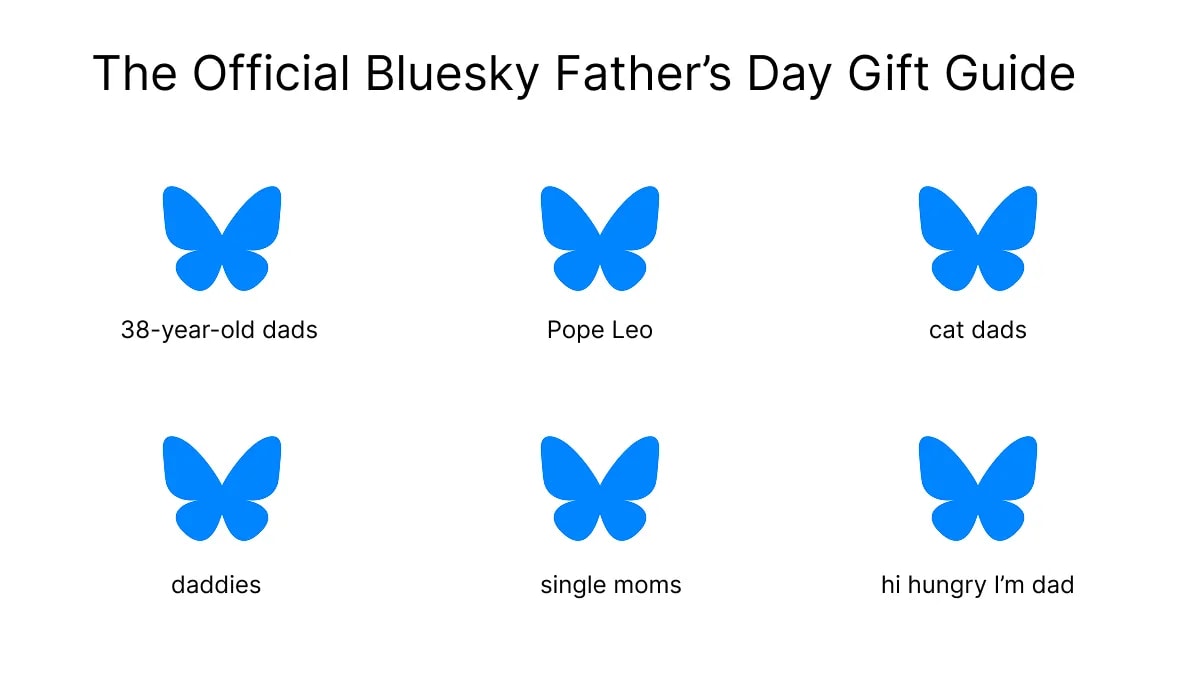 Bluesky Father's Day Gift Guide
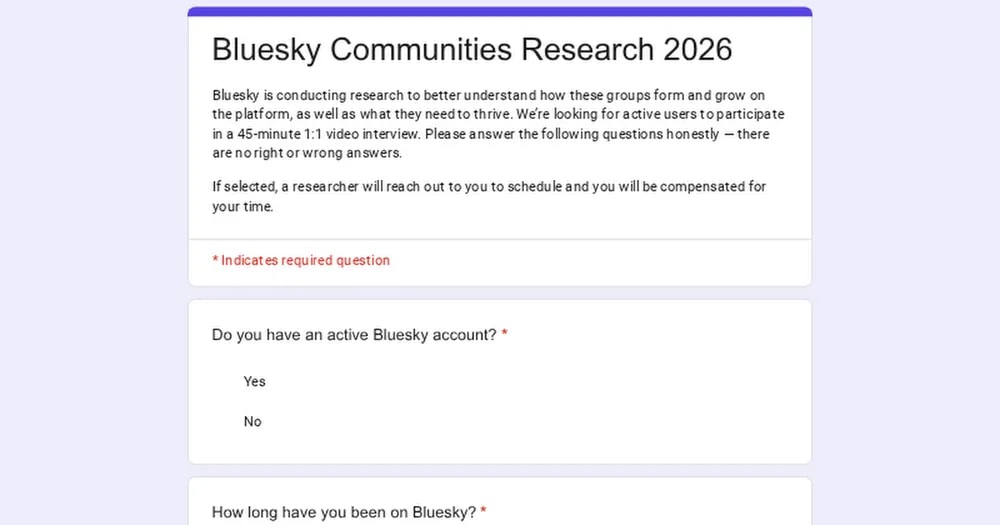 Bluesky Communities Research 2026
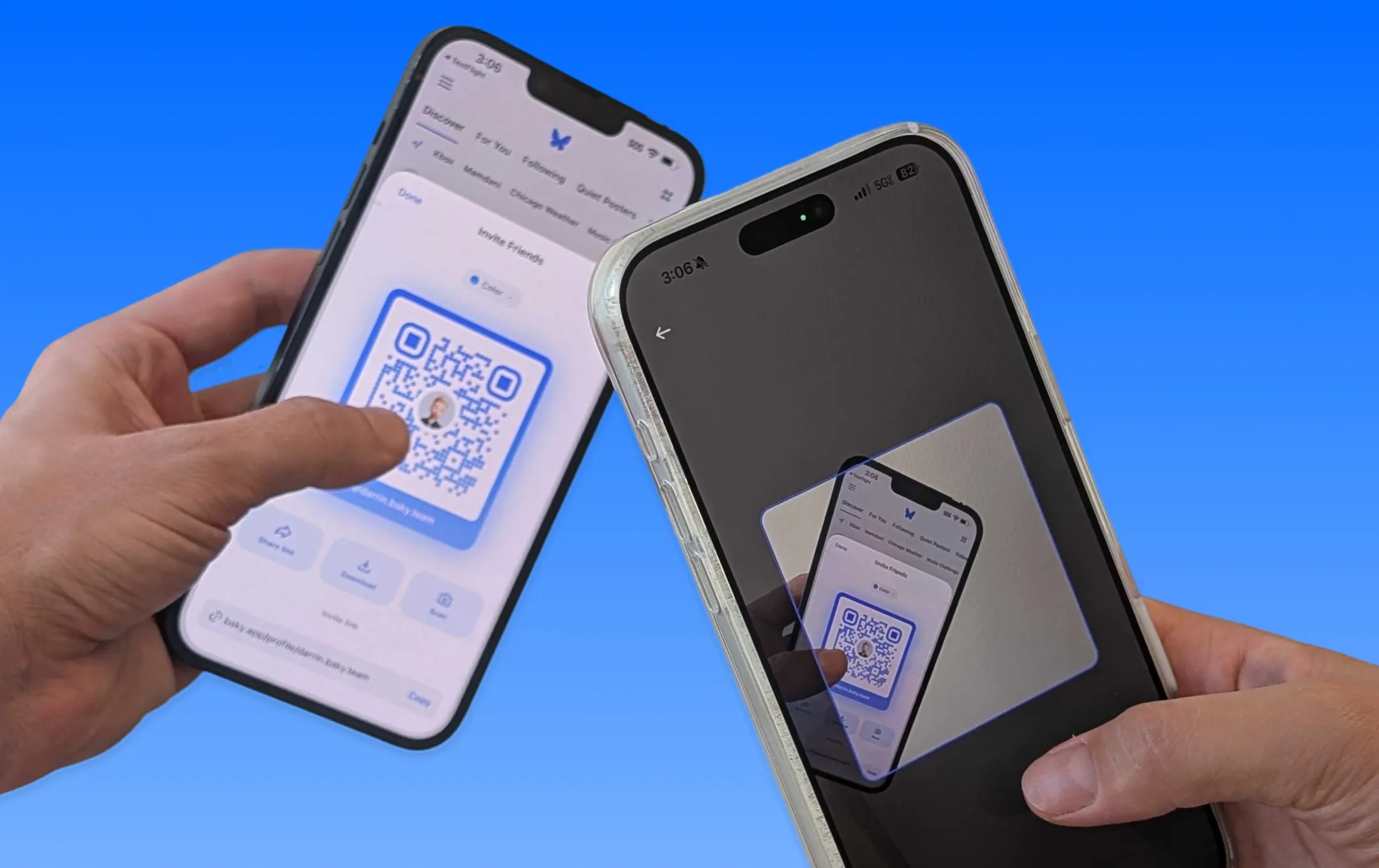 Bluesky QR code share
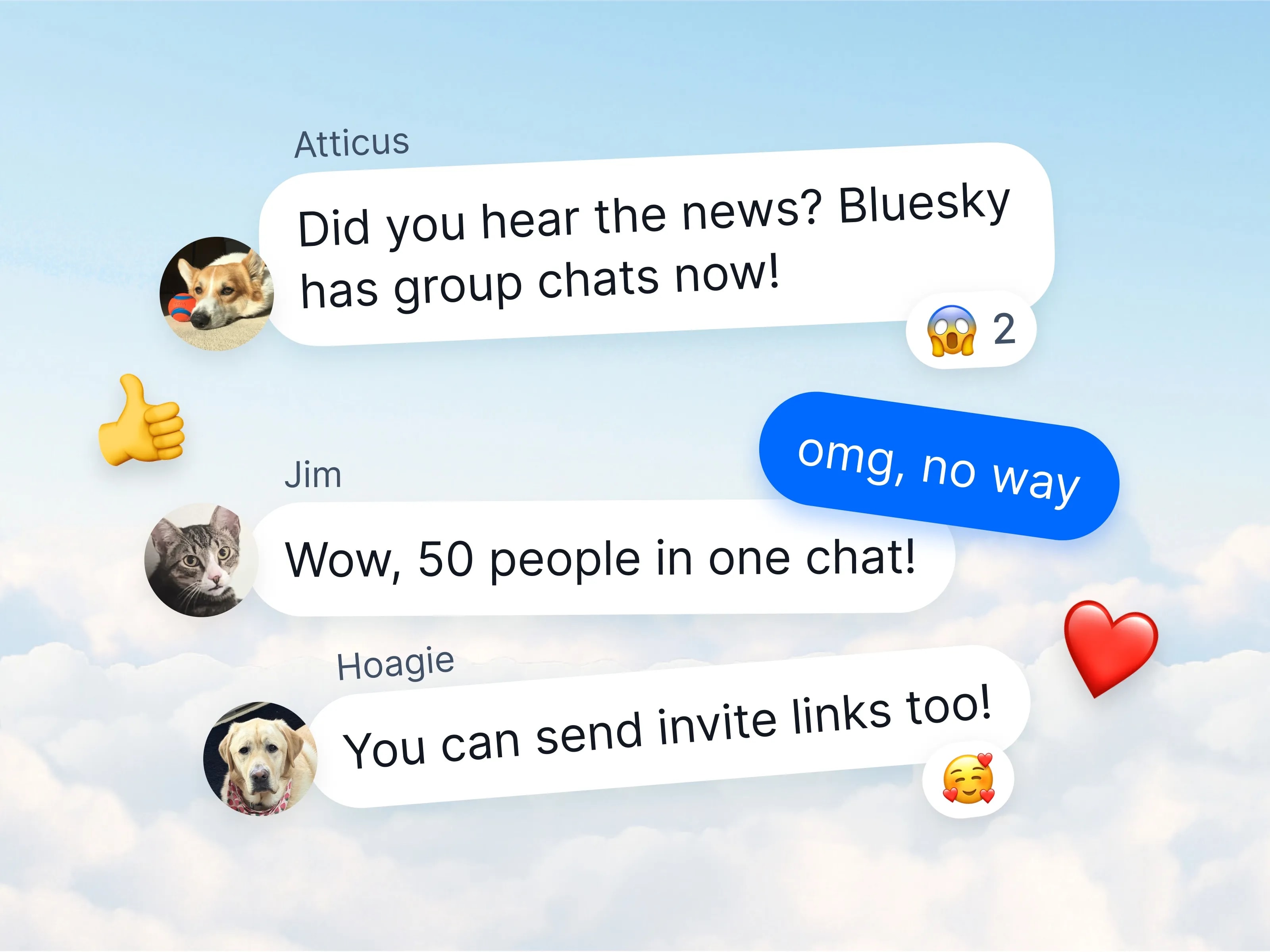 Bluesky group chats v1.124
@anjali.n.popovNew in beta: the moderation inbox. Now you can see the reports you've made, and find out what happened to the content you reported, right in the Bluesky app. Notices about your account and appeals live there too.
View original postPhoto by @anjali.n.popov· Oct 31, 2026· Bluesky
The image displays a series of screenshots of a social media app interface on a smartphone. The focus is on the app's settings and moderation features. The mood is clean and functional, typical of a UI/UX design showcase. A notable detail is the avatar of "Darrin Loeliger" which appears in multiple screens. The on-screen text includes "Settings", "Moderation", "Moderation inbox", "Your reports", "Your account", "Interaction settings", "Muted words & tags", "Moderation lists", "Muted accounts", "Blocked accounts", "Verification settings", "Enable adult content", "Adult Content", "Explicit sexual images.", "Show", "Warn", "Hide", and the username "@darrin.bsky.team".
Bluesky v1.137 trending widgetfour bluesky user typesBluesky iPad support beta v1.136Next James Bond Bluesky accountBluesky v1.136 Profile links2Jacob Geller statement on BlueskyStarter Packs search in v1.132Buttondown Bluesky link cardsBluesky v1.127 search filters updateSummer of Standard.siteBluesky Father's Day Gift GuideBluesky Communities Research 2026Bluesky QR code shareBluesky group chats v1.124