iFANN
    Search iFANN...
    Log in
    Home
    News
    Videos
    Photos
    GIFs
    Explore
    Polls
    Awards
    iFAMOUS
    Wiki
    Anime
    Rooms
    Notifications
    Messages
    Bookmarks
    Profile
    WikiAwardsiFAMOUSRankingsIndustriesCreator RewardsUser RewardsTermsPrivacyCommunity GuidelinesTakedown / DMCAHelpDevelopers

    © 2026 iFANN

    Home
    Search
    Messages
    Alerts
    Profile
    Photo
    Anjali N Popov
    Anjali N Popov@anjali.n.popov1w
    📱Bluesky💭Social Media💭Tech
    Starter Packs search in v1.132

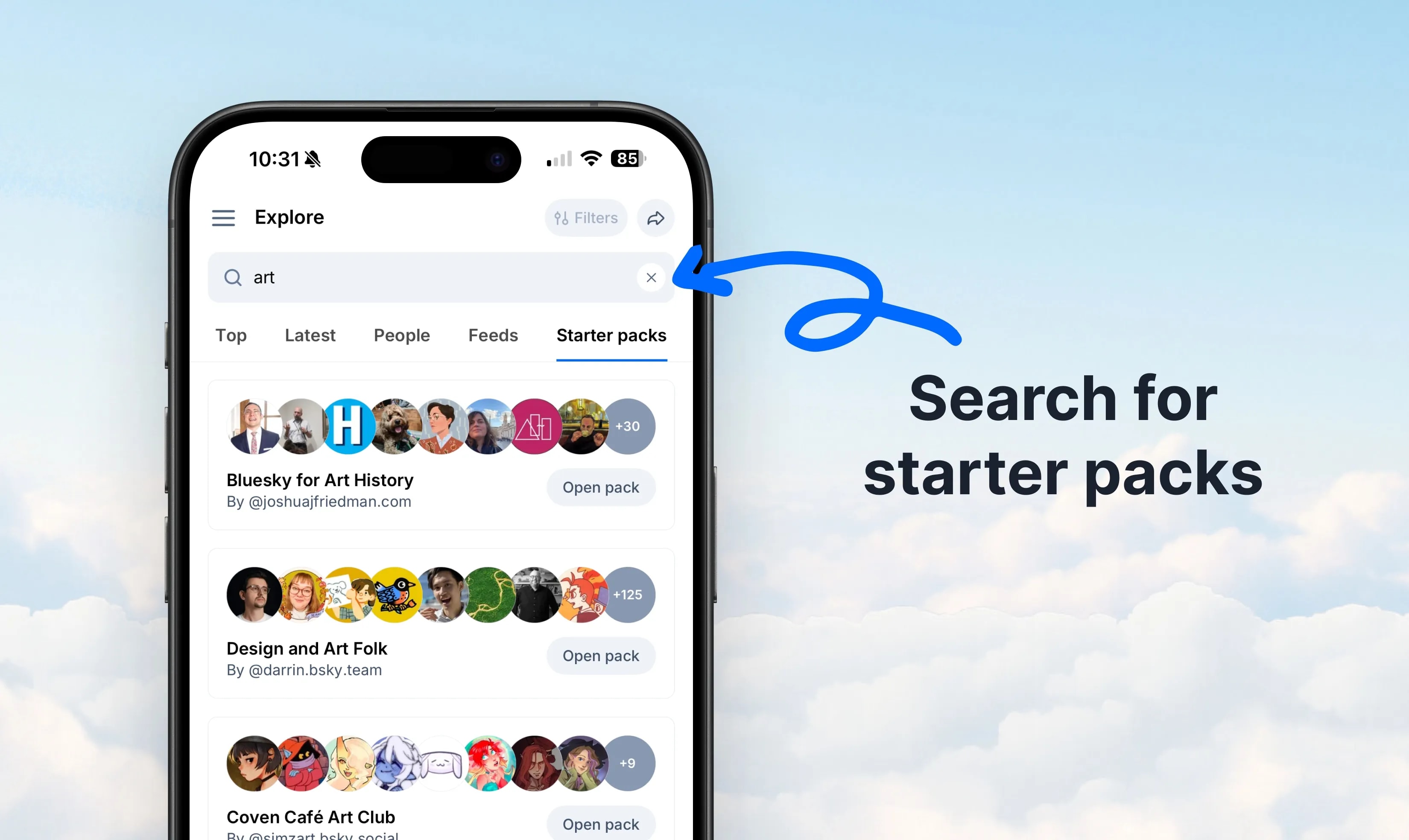
    @anjali.n.popovv1.132 is live! Starter Packs are one of the best ways to find new people to follow—but how do you find the Starter Packs? As of today, look for them right in the main search box. You'll see the results under the Starter Packs tab.

    View original post

    Starter Packs search in v1.132

    Photo by @anjali.n.popov· Sep 5, 2026· Bluesky

    About this photo

    The image shows a smartphone screen displaying a social media app's "Explore" page. The focus is on the search results for "art," specifically highlighting "Starter packs." The mood is clean and functional, typical of a user interface design. Visually notable elements include the profile pictures within the starter packs, showcasing diverse avatars and photos. The on-screen text reads "Explore", "Filters", "art", "Top", "Latest", "People", "Feeds", "Starter packs", "Bluesky for Art History", "By @joshuafriedman.com", "Open pack", "Design and Art Folk", "By @darrin.bsky.team", "Coven Café Art Club", "By @simzart.bsky.social". A blue arrow points to the "Starter packs" tab, and text overlays on the background say "Search for starter packs".

    See all Bluesky photosRead the Bluesky wiki

    ?

    More Bluesky photos

    See all Bluesky photos
    Buttondown Bluesky link cardsButtondown Bluesky link cardsBluesky v1.127 search filters updateBluesky v1.127 search filters updateSummer of Standard.siteSummer of Standard.siteBluesky Father's Day Gift GuideBluesky Father's Day Gift GuideBluesky Communities Research 2026Bluesky Communities Research 2026Bluesky QR code shareBluesky QR code shareBluesky group chats v1.124Bluesky group chats v1.124
    Photo
    Anjali N Popov
    Anjali N Popov@anjali.n.popov1w
    📱Bluesky💭Social Media💭Tech
    Starter Packs search in v1.132

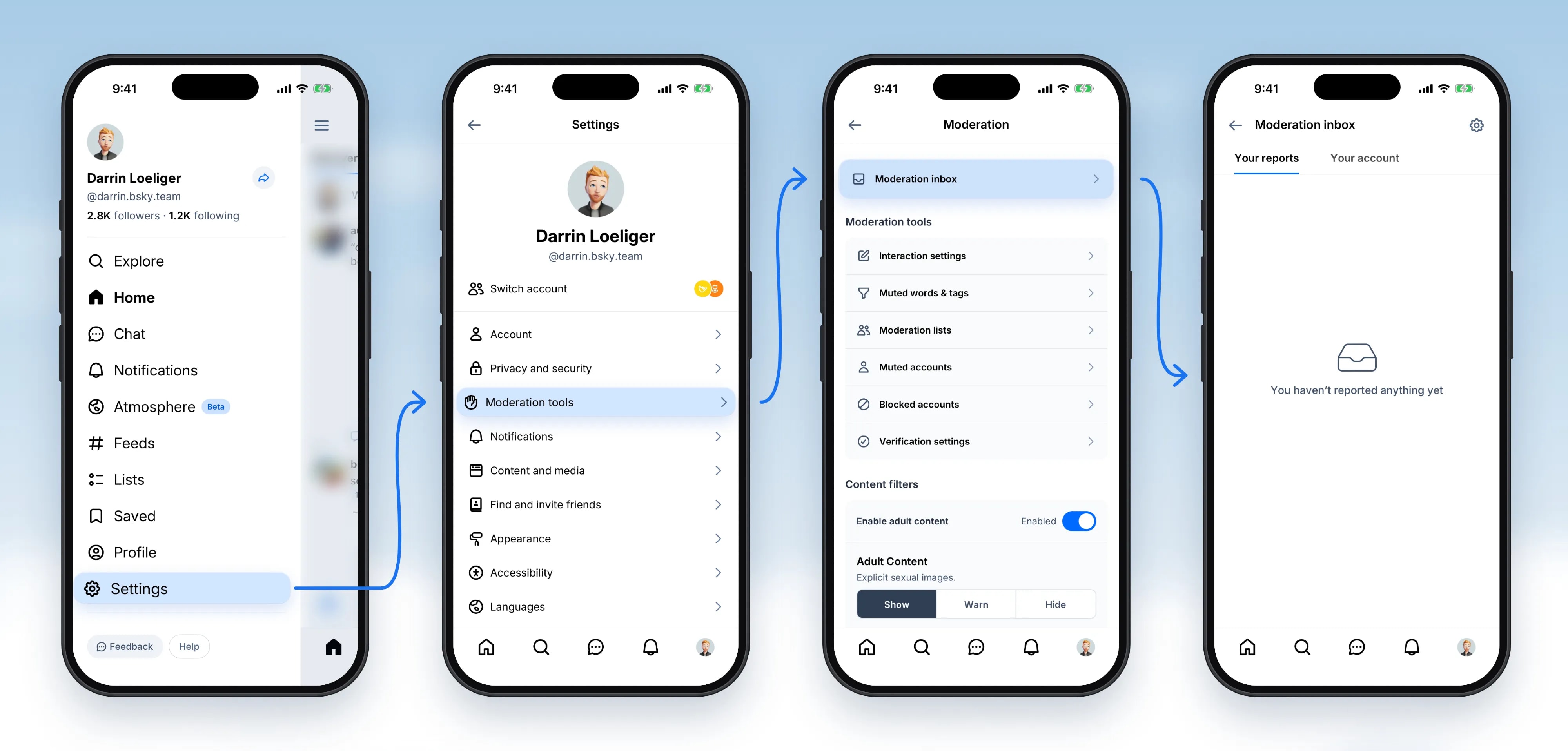
    @anjali.n.popovv1.132 is live! Starter Packs are one of the best ways to find new people to follow—but how do you find the Starter Packs? As of today, look for them right in the main search box. You'll see the results under the Starter Packs tab.

    View original post

    Starter Packs search in v1.132

    Photo by @anjali.n.popov· Sep 5, 2026· Bluesky

    About this photo

    The image shows a smartphone screen displaying a social media app's "Explore" page. The focus is on the search results for "art," specifically highlighting "Starter packs." The mood is clean and functional, typical of a user interface design. Visually notable elements include the profile pictures within the starter packs, showcasing diverse avatars and photos. The on-screen text reads "Explore", "Filters", "art", "Top", "Latest", "People", "Feeds", "Starter packs", "Bluesky for Art History", "By @joshuafriedman.com", "Open pack", "Design and Art Folk", "By @darrin.bsky.team", "Coven Café Art Club", "By @simzart.bsky.social". A blue arrow points to the "Starter packs" tab, and text overlays on the background say "Search for starter packs".
    See all Bluesky photosRead the Bluesky wiki

    ?

    More Bluesky photos

    See all Bluesky photos
    Buttondown Bluesky link cardsButtondown Bluesky link cardsBluesky v1.127 search filters updateBluesky v1.127 search filters updateSummer of Standard.siteSummer of Standard.siteBluesky Father's Day Gift GuideBluesky Father's Day Gift GuideBluesky Communities Research 2026Bluesky Communities Research 2026Bluesky QR code shareBluesky QR code shareBluesky group chats v1.124Bluesky group chats v1.124