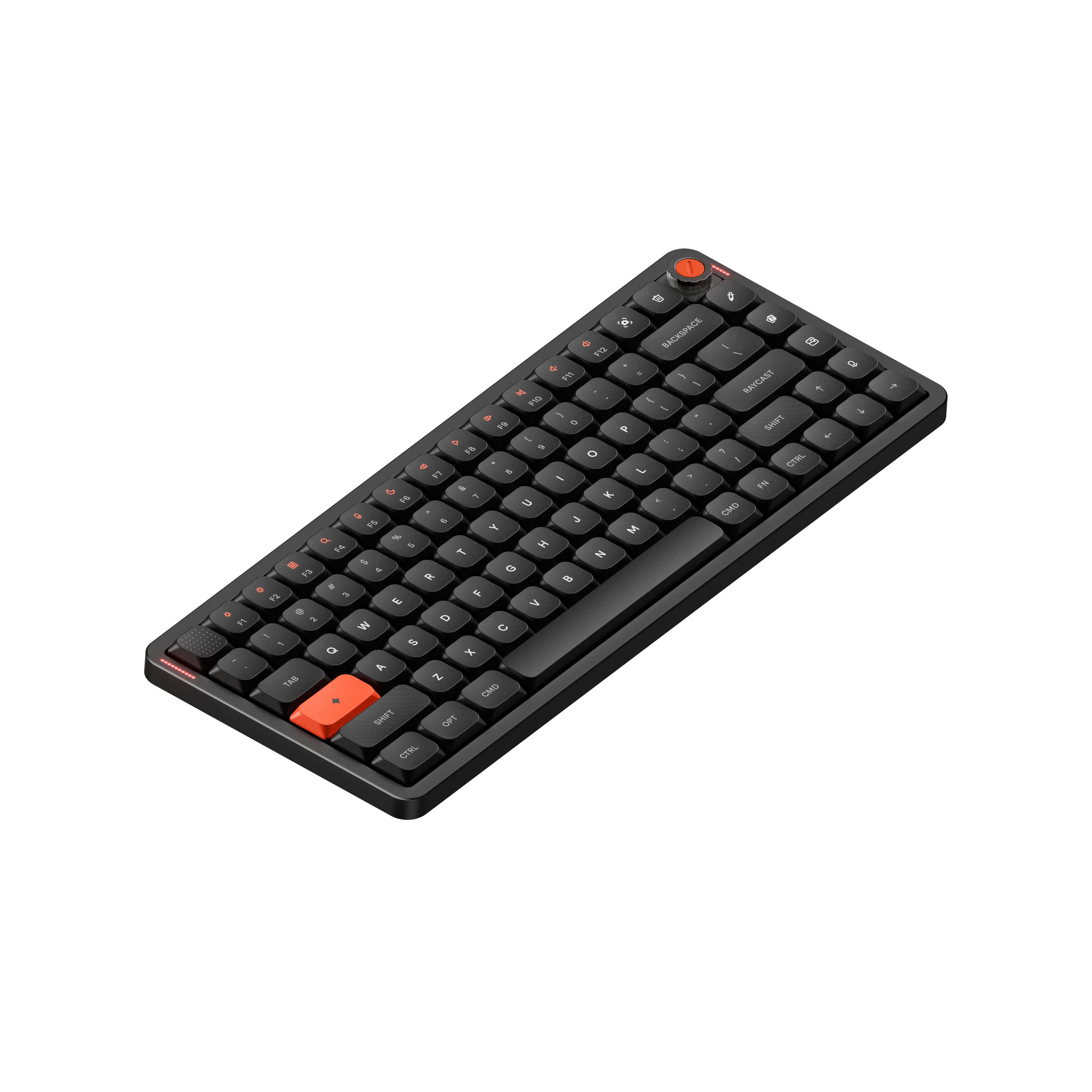
Raycast
by Raycast
"The command center for your keyboard"
Rating
4.8/5
Overview
Raycast Technologies Ltd. built a tool that transforms how users navigate their desktops on both macOS and Windows. This application launcher replaces the standard system search with a faster, more flexible interface designed for power users who need instant access to files, clipboard history, text snippets, and dictionaries without leaving their keyboard. The software stands out by offering a modular architecture where users can install extensions to pull in data from external services, creating a personalized command center rather than a simple file finder.
The company pushed the boundaries of cross-platform compatibility when it announced a public beta for its Windows port on November 20, 2025. This move extended the reach of a product that had long been a staple for Mac enthusiasts looking to escape the limitations of Spotlight. The release marked a significant shift for the team as they brought their speed-focused design philosophy to a new operating system environment.
Key Features
- Instant app launching and file searching
- Clipboard history manager
- Customizable extension ecosystem
- GitHub Copilot integration
- AI-powered screen analysis
- Glaze native app builder
- Team collaboration tools
- Voice control support
Specifications
| Operating Systems | macOS, Windows |
| Primary Languages | Swift, Rust |
| Extension Count | Over 2,000 |
| Launch Year | 2017 |
| Windows Beta Date | November 20, 2025 |
Pros & Cons
Pros
- • Extremely fast launch speeds with minimal memory footprint
- • Vast library of free community extensions
- • Modern, clean user interface that feels native
- • Seamless cross-platform experience between macOS and Windows
- • Deep integration with developer tools like GitHub and Jira
Cons
- • Advanced features require a recurring subscription fee
- • Some complex workflows still rely on third-party APIs
- • Learning curve for custom scripting compared to simpler launchers
Frequently Asked Questions
Is Raycast worth it compared to Alfred?
When did Raycast officially release for Windows?
What are the main features of the new Glaze platform?
Does Raycast work offline?
How much does Raycast cost?
Keywords
Sources
Product Info
- Brand
- Raycast
- Manufacturer
- Raycast Technologies Ltd.
- Category
- Productivity Software
- Released
- 2017-09-14
- Price
- Free (Freemium)
- Availability
- Available
- Original Launch Platform
- macOS only
- Windows Public Beta Start
- November 20, 2025
- Glaze Beta Release
- March 2026
- GitHub Copilot Integration
- February 2026
- COBOL FPS Game Experiment
- June 2026
- Screen Content AI Query
- August 2026
Where to Buy
Join the community
fans discussing